Water quality
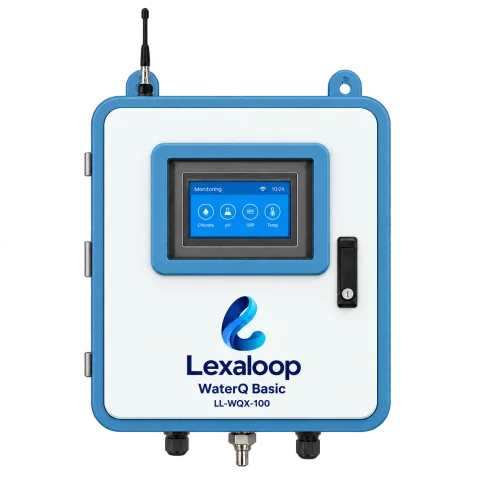
Choose Basic for seven core readings, or Pro for more measurement options.
Two device optionsFrom water chemistry to tanks and infrastructure. Find the monitoring approach that fits your site, with the right device for each measurement.
Different systems. The right starting point for each.
Choose Basic for seven core readings, or Pro for more measurement options.
Two device options
Combine water-quality readings with ultrasonic tank-level sensing.
Quality and level sensor options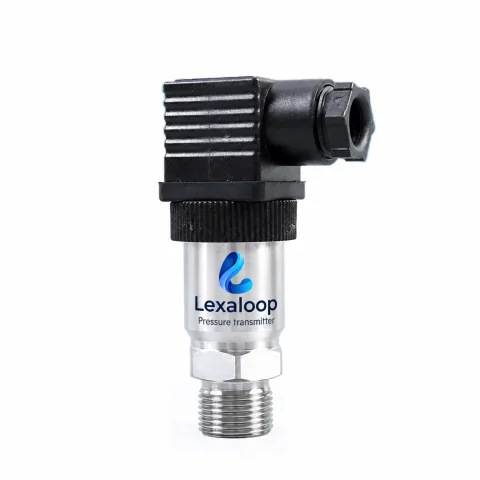
A dedicated transmitter for pump and pipe-network pressure.
Dedicated pressure transmitter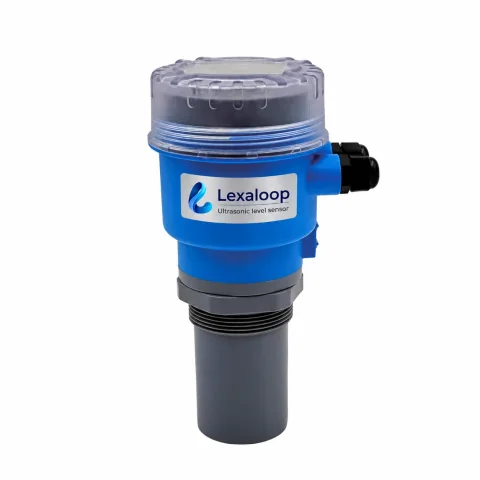
Ultrasonic measurement above the liquid surface.
Non-contact ultrasonic sensorSee your sites, device connectivity, water-quality trends and work orders in one operational overview.
 Operations overviewView full screenshot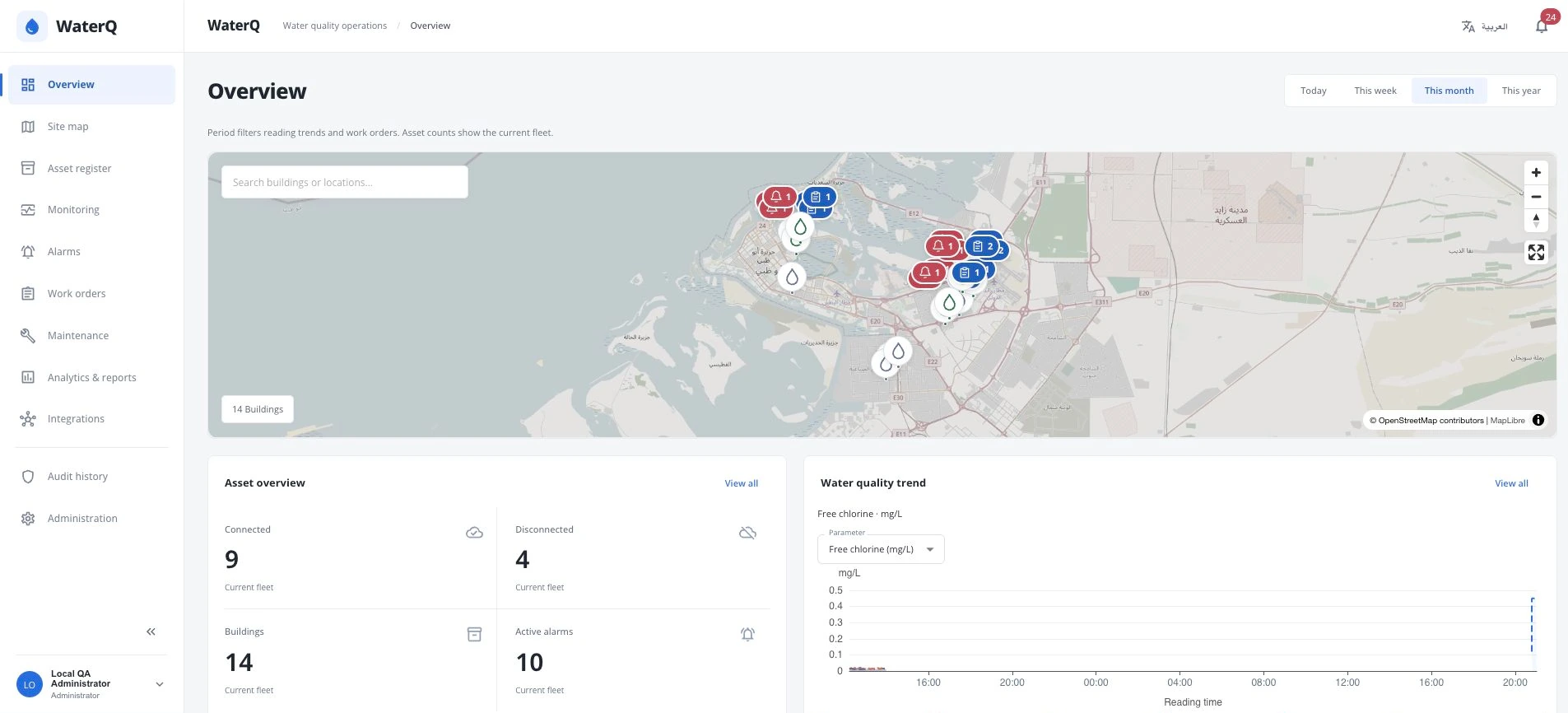
See sites on the map alongside device connectivity and active alarm counts.
Choose a parameter and period to review water-quality trends.
Review work orders by site, priority and status to keep the next action visible.
Explore the seven measurements in the LL-WQX-100. Select a parameter to see what it tells you.
/ Measurement explorerIllustrative dataExample reading
See how acidity and alkalinity change at your sampling point.
Example reading
Follow the disinfectant reading alongside the other water-quality measurements.
Example reading
Track oxidation-reduction potential as part of the overall water-chemistry picture.
Example reading
Observe changes in electrical conductivity at the same sampling point.
Example reading
Keep the total dissolved solids reading in view with the rest of your measurements.
Example reading
Follow the salinity reading over time without switching to a separate instrument view.
Example reading
Read the water temperature alongside its chemistry to give each measurement context.
Interactive illustration, not a live dashboard. Instrument ranges are not water-quality limits. Site thresholds and monitoring requirements are agreed separately.
Choose a representative point in the water system. Plan the sample feed, drain and service access before installation.
The analyzer brings the selected measurements to its local touchscreen. Probe selection and calibration follow the agreed configuration.
Use the specified 4G or RS485 / Modbus connection to bring readings into the agreed monitoring setup.
Flow and drainage agreed for the site
Seven parameters with WaterQ Basic
Connectivity and integration specified per project
LL-WQX-100
Seven core measurements.
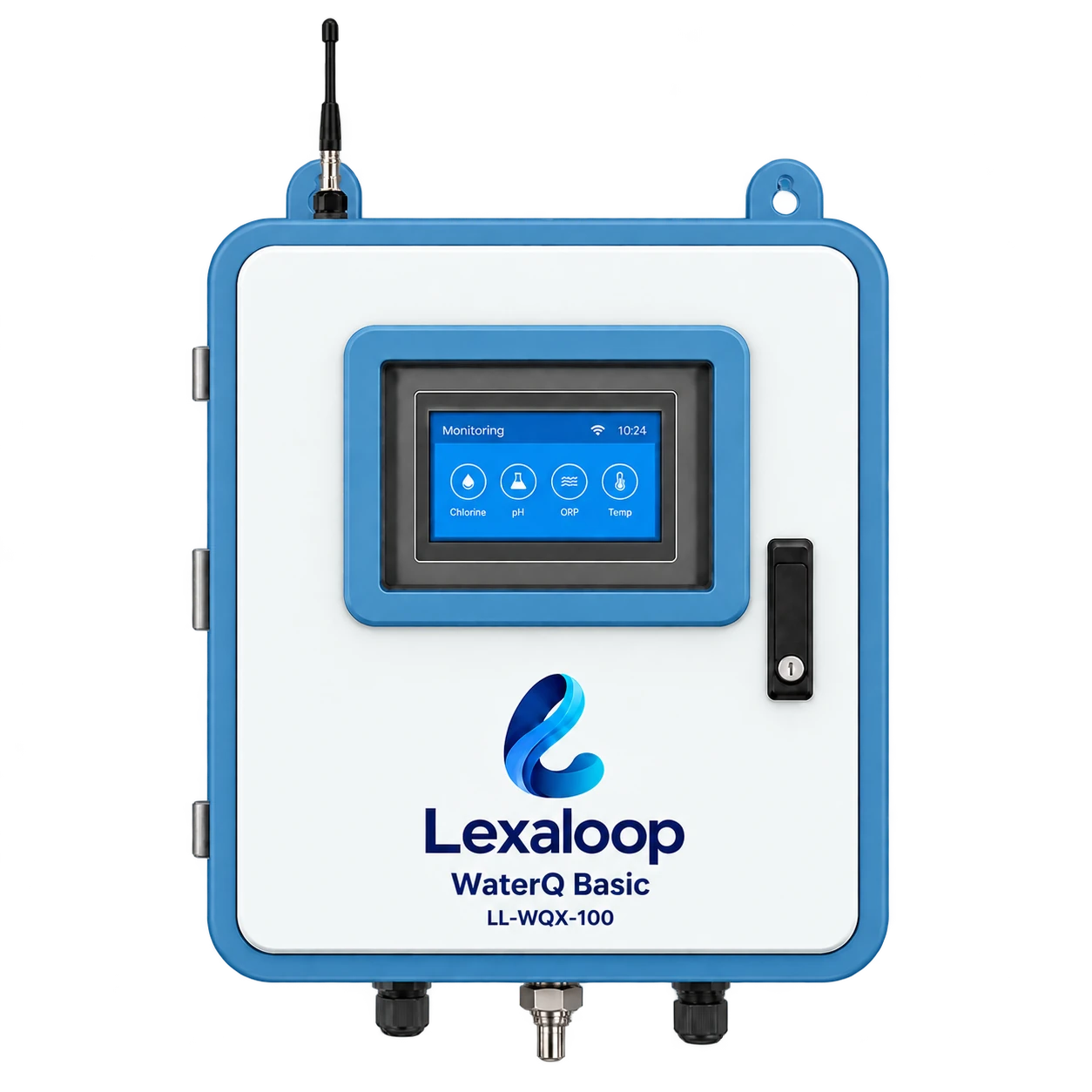
This is the branded Basic monitoring configuration. Turbidity and dissolved oxygen are not included in its supplied seven-parameter datasheet.
LL-WQX-200
More measurement choices. More room to expand.
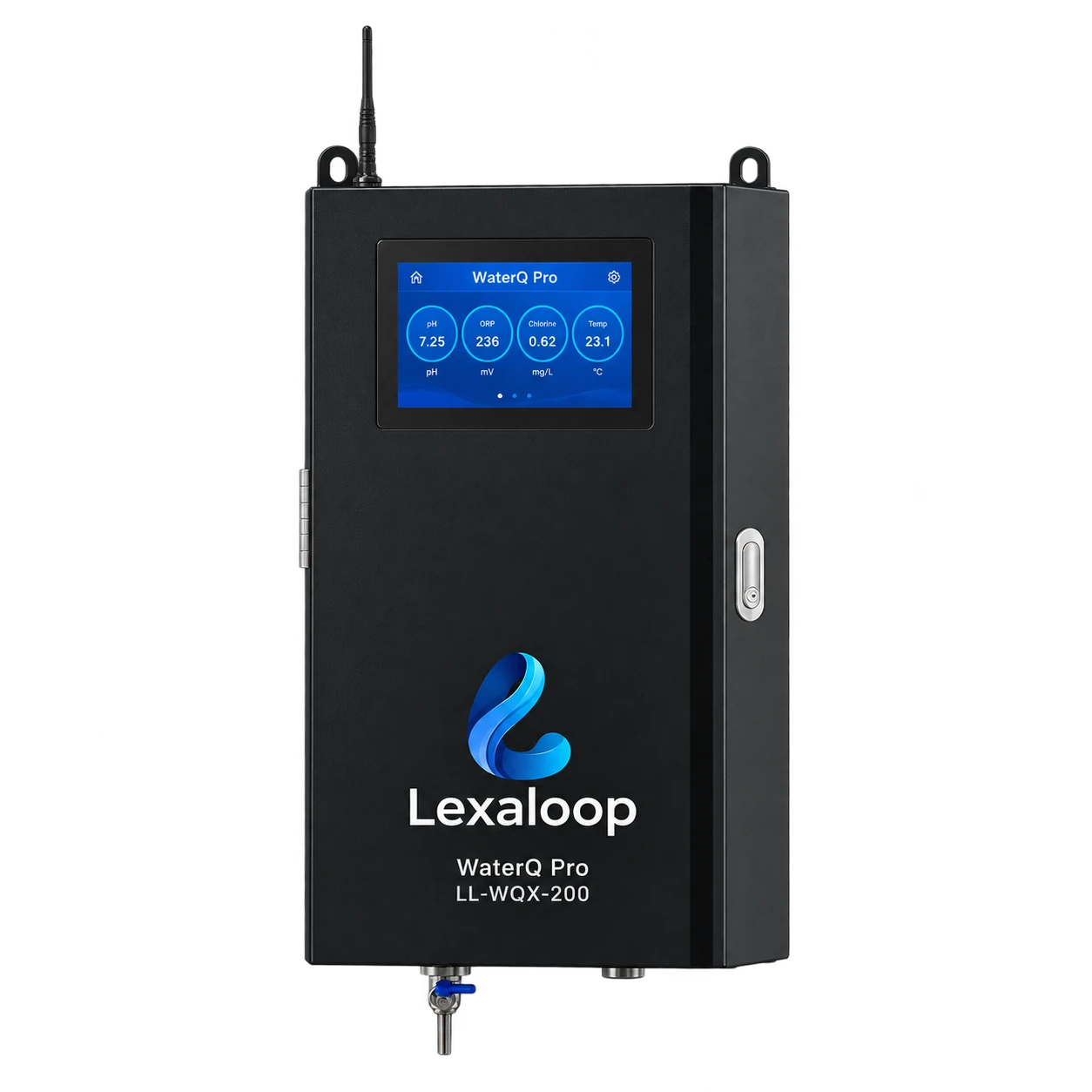
Pressure and level require separate compatible sensors. Optional measurement channels, interface compatibility and accessories must be specified for the project.
Dedicated sensors for two different jobs. Choose the measurement range, mounting and controller connection around your site.
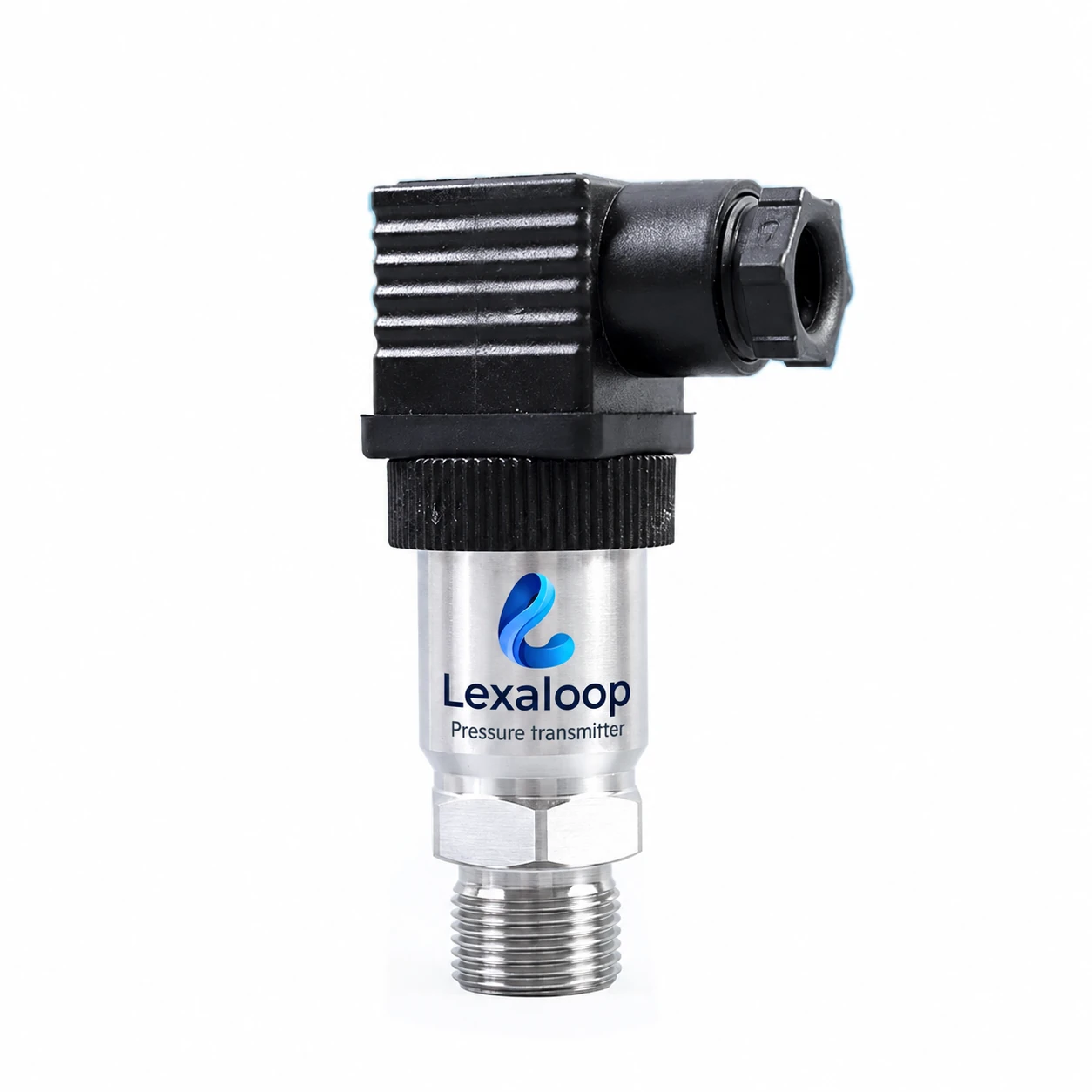
Liquid-pressure transmitter
A compact stainless-steel transmitter that turns line pressure into a signal for the monitoring controller.
Select the pressure range, output, process connection and water-contact materials for the installation. Compatibility with the monitoring controller must be verified.
Discuss this sensor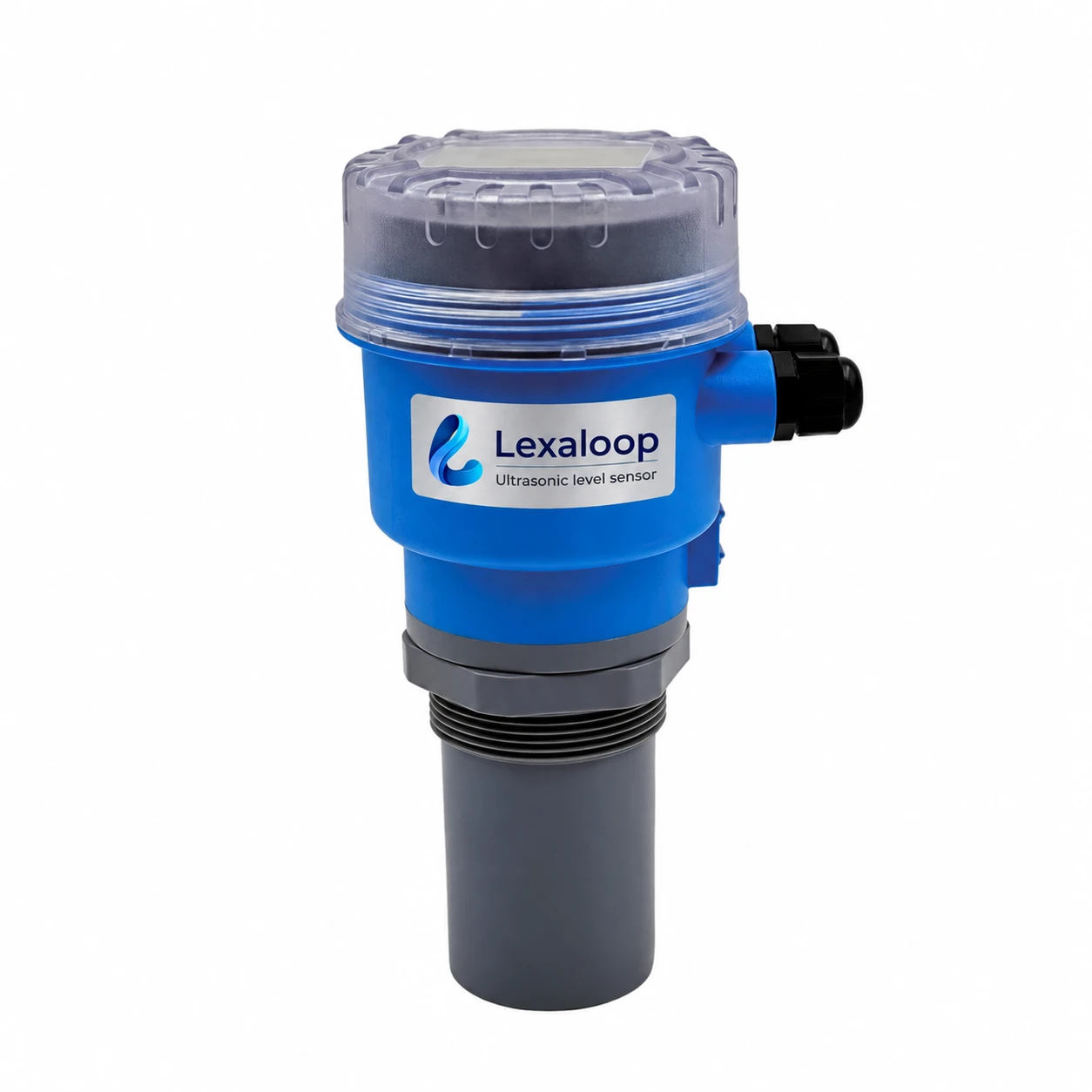
Ultrasonic level sensor
Measure the liquid surface from above the tank, with a local LCD and an analog output for the monitoring controller.
Allow for the 0.5 m blind zone and check foam, condensation, obstructions and mounting. Controller compatibility and relay functions are confirmed for the final configuration.
Discuss this sensorA useful monitoring setup begins with the conditions on site.
Identify the water system, parameters and decisions the readings need to support.
Select the probes, controller, mounting, sample handling and communications.
Confirm the installation, integration and operating responsibilities before deployment.
Tell us what you need to monitor. We’ll help define the sensors, installation and next steps.